2025/03/05(水) [n年前の日記]
#1 [cg_tools] 画像生成AIでデプスマップ画像生成を試してた
画像生成AI Stable Diffusion web UI に、depthmap-script という拡張機能をインストールすることで、デプスマップ画像(奥行き情報を示す画像)を簡単に生成できるようになると知ったので、Stable Diffusion web UI reForge版にインストールして動作確認をしていた。まあ、txt2img の ControlNet でもデプスマップ画像は生成できるけど…。
_thygate/stable-diffusion-webui-depthmap-script: High Resolution Depth Maps for Stable Diffusion WebUI
_depthmap-scriptで深度マップ動画を作成する|とらの
_Stable Diffusion WebUIを使ってDepth画像を作成して立体視を楽しむ|Alone1M
_thygate/stable-diffusion-webui-depthmap-script: High Resolution Depth Maps for Stable Diffusion WebUI
_depthmap-scriptで深度マップ動画を作成する|とらの
_Stable Diffusion WebUIを使ってDepth画像を作成して立体視を楽しむ|Alone1M
◎ インストール :
インストールは、Stable Diffusion web UI の Extensionsタブ → Available → Load from: ボタンをクリックしてインストールできる拡張のリストを読み込み → 検索欄に「depth」とでも打ち込めばリストアップされるので、インストールボタンを押せばいい。
インストールできたら、Depthというタブが増える。そこでデプスマップ画像を生成できる。
インストールできたら、Depthというタブが増える。そこでデプスマップ画像を生成できる。
◎ 使い方 :
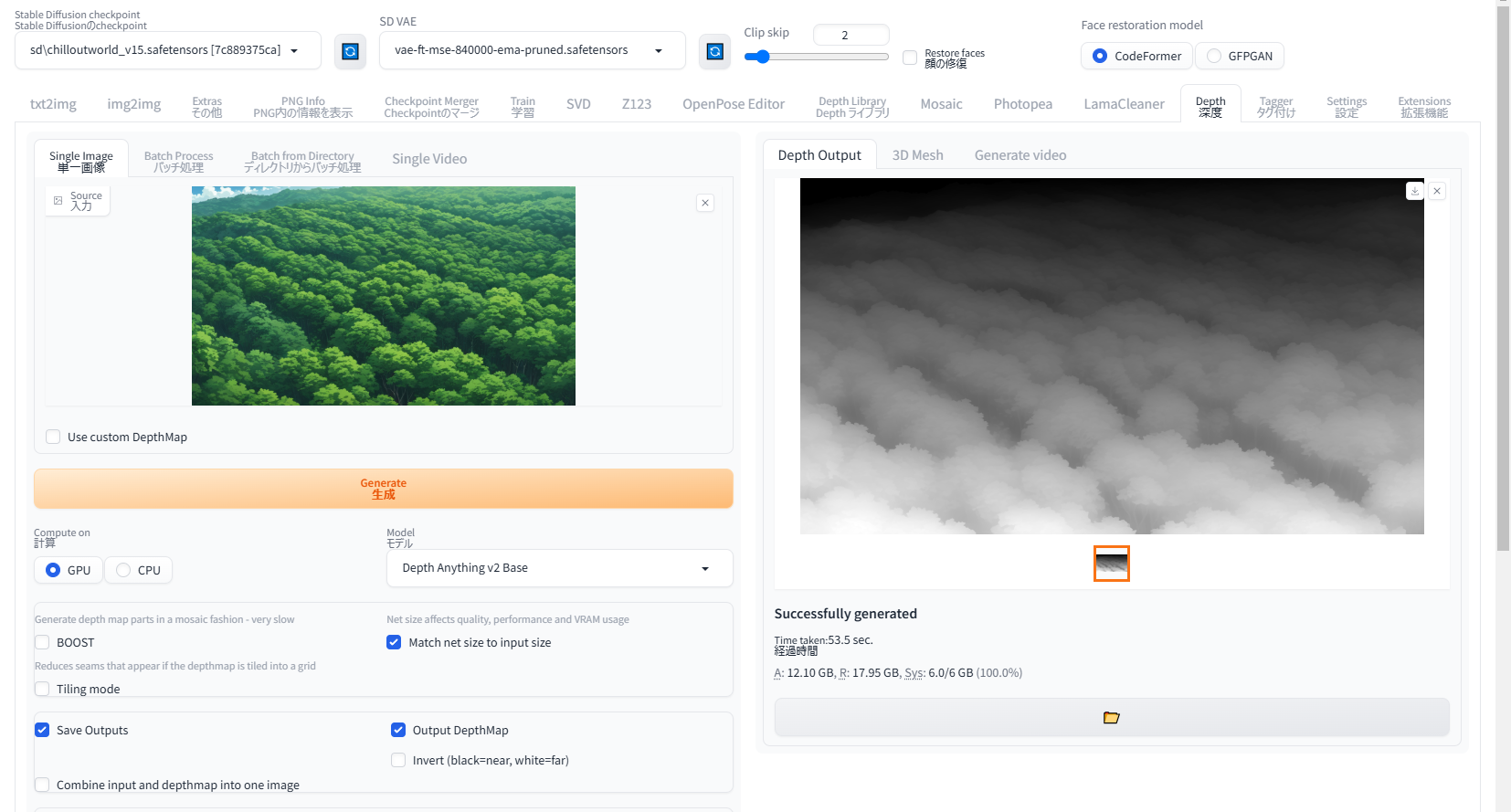
- Depthタブ画面内の、Source欄に、元画像をドラッグアンドドロップすれば読み込める。
- Model で、使いたいモデルデータを選択。
- Match net size to input size にチェックを入れれば元画像と同じ画像サイズで出力される。
- Generateボタンをクリックすれば生成開始。生成が終わると右側の Depth Output に画像が出力される。
- BOOST にチェックを入れるとかなり細かいデプスマップ画像が得られる。その代わり、処理時間がめっちゃ長くなる。自分の環境では体感で10分以上かかってた感じがする。
◎ midas 3.1系が動かない :
色々なモデルデータを選べるけれど、自分の環境は NVIDIA GeForce GTX 1060 6GB という、古くてVRAMが少ないGPU(ビデオカード)を使っているせいか、midas 3.1系はエラーが出て動かなかった。ただ、これは他の環境でも起きているらしい…?
_dpt_beit_large_512 (midas 3.1) - ERROR - Issue #424 - thygate/stable-diffusion-webui-depthmap-script
_ERROR: Error(s) in loading state_dict for DPTDepthModel (Midas 3.1) - Issue #427 - thygate/stable-diffusion-webui-depthmap-script
_dpt_beit_large_512 (midas 3.1) - ERROR - Issue #424 - thygate/stable-diffusion-webui-depthmap-script
_ERROR: Error(s) in loading state_dict for DPTDepthModel (Midas 3.1) - Issue #427 - thygate/stable-diffusion-webui-depthmap-script
◎ Marigoldが動かない :
Marigoldも動かない。accelerate>=0.26.0 が必要、とエラーが出てるけど、Pythonの仮想環境上で python -m pip install accelerate==0.26.0 を実行しても、0.21.0 に書き戻されてしまう…。
_ImportError: Using `low_cpu_mem_usage=True` or a `device_map` requires Accelerate: `pip install 'accelerate>=0.26.0' - lllyasviel/stable-diffusion-webui-forge - Discussion #2656
Stable Diffusion web UI reForge の requirements*.txt の中で、accelerate==0.21.0 が指定されてしまっているので、reForge を起動するたびにダウングレードされてしまうらしい。試しに accelerate==0.31.0 に修正してから reForge を起動してみたら、accelerate は 0.31.0 になった。
この状態なら Marigold が動いてくれた。
しかし、自分の環境ではかなりの処理時間がかかる…。本当に処理が動いてるのだろうか、止まってるかループしてるんじゃないのかと不安になるぐらい待たされた。
出力結果は…。ControlNet経由の出力画像の細かく出ているような…。気のせいかな…。
_ImportError: Using `low_cpu_mem_usage=True` or a `device_map` requires Accelerate: `pip install 'accelerate>=0.26.0' - lllyasviel/stable-diffusion-webui-forge - Discussion #2656
Stable Diffusion web UI reForge の requirements*.txt の中で、accelerate==0.21.0 が指定されてしまっているので、reForge を起動するたびにダウングレードされてしまうらしい。試しに accelerate==0.31.0 に修正してから reForge を起動してみたら、accelerate は 0.31.0 になった。
この状態なら Marigold が動いてくれた。
しかし、自分の環境ではかなりの処理時間がかかる…。本当に処理が動いてるのだろうか、止まってるかループしてるんじゃないのかと不安になるぐらい待たされた。
出力結果は…。ControlNet経由の出力画像の細かく出ているような…。気のせいかな…。
◎ 出力結果 :
以下の画像を元画像として実験。
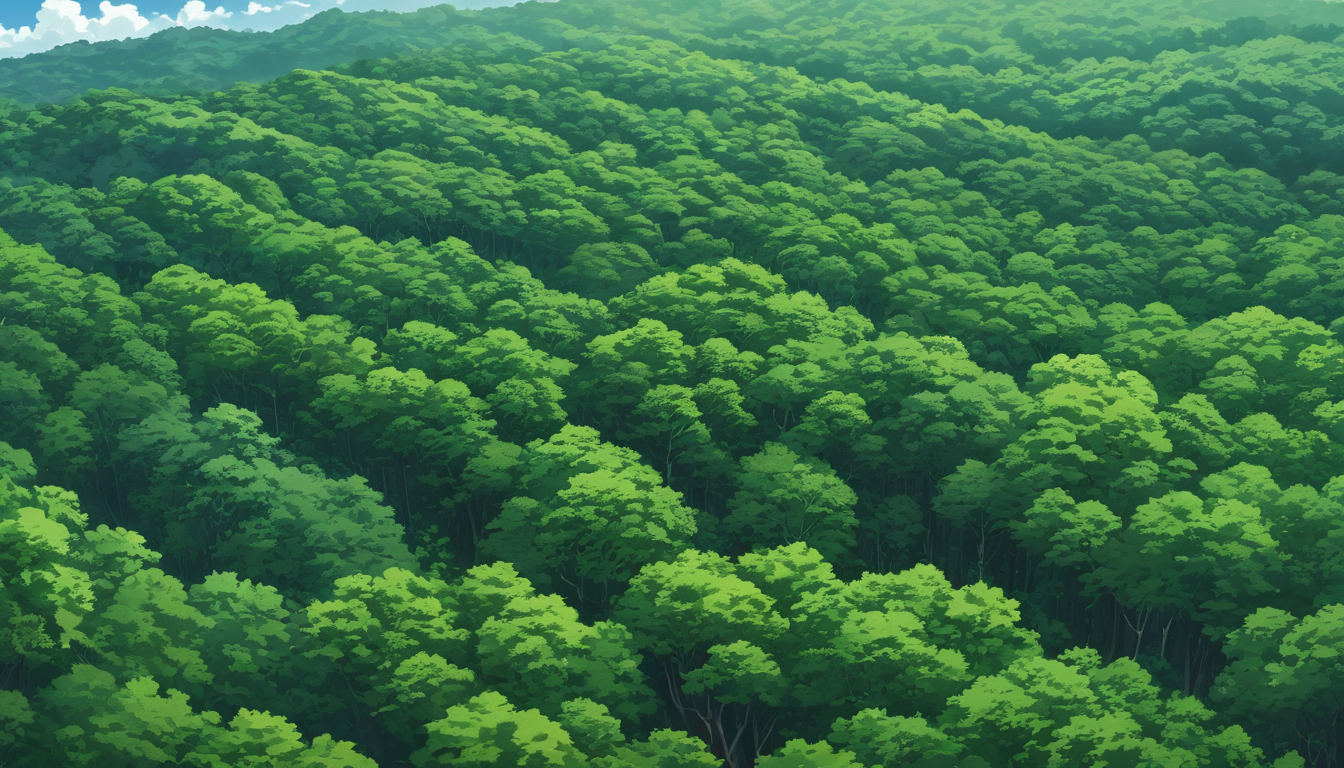
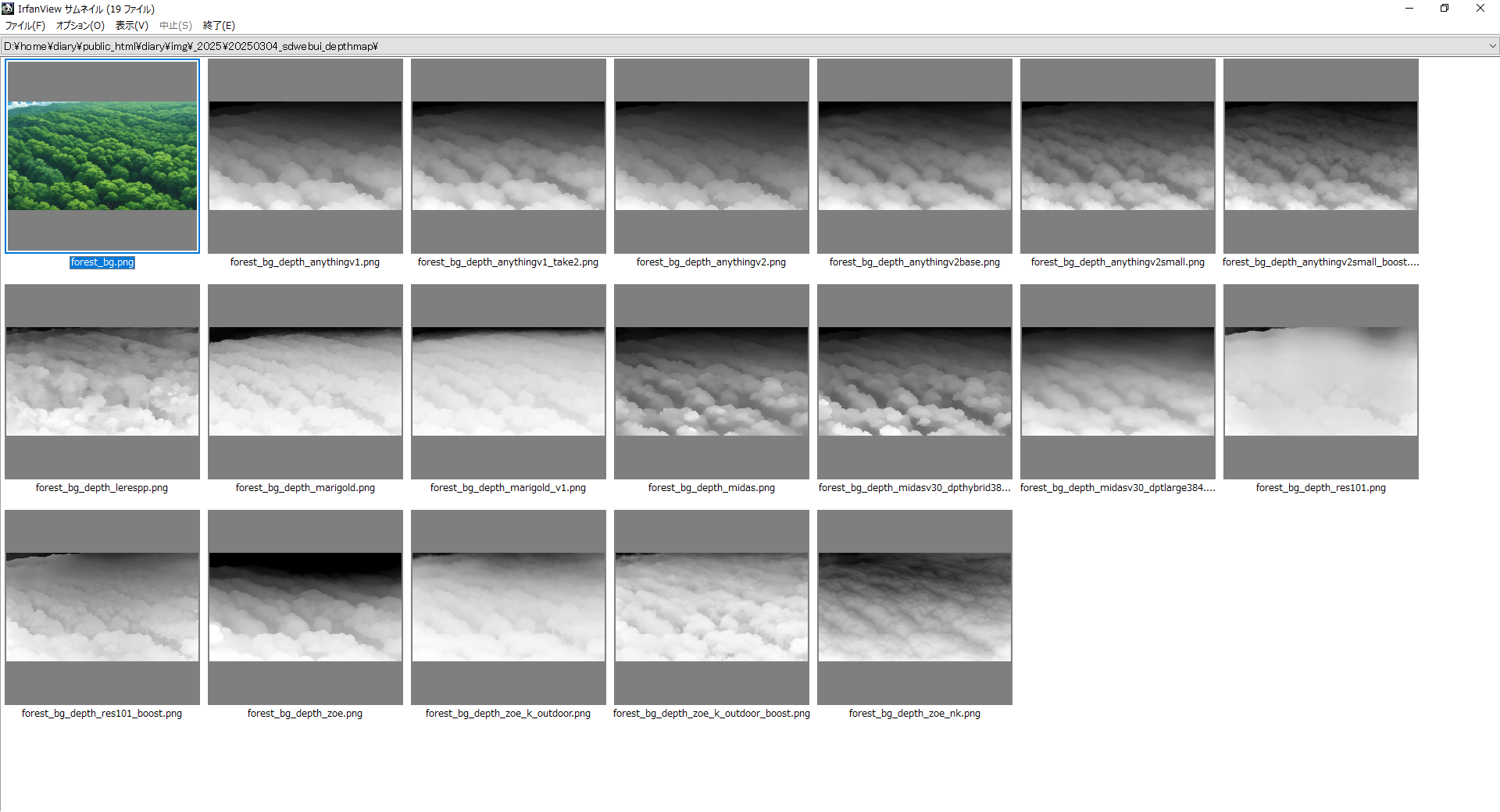
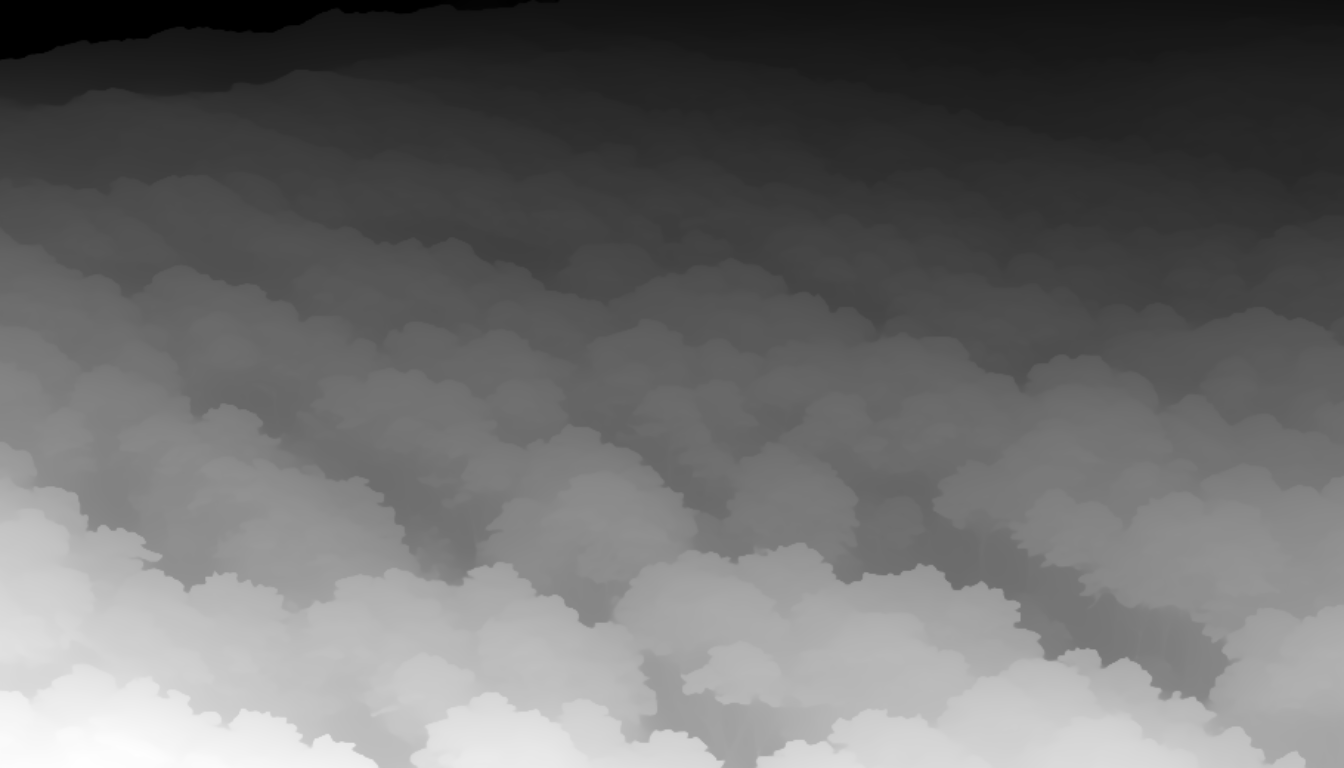
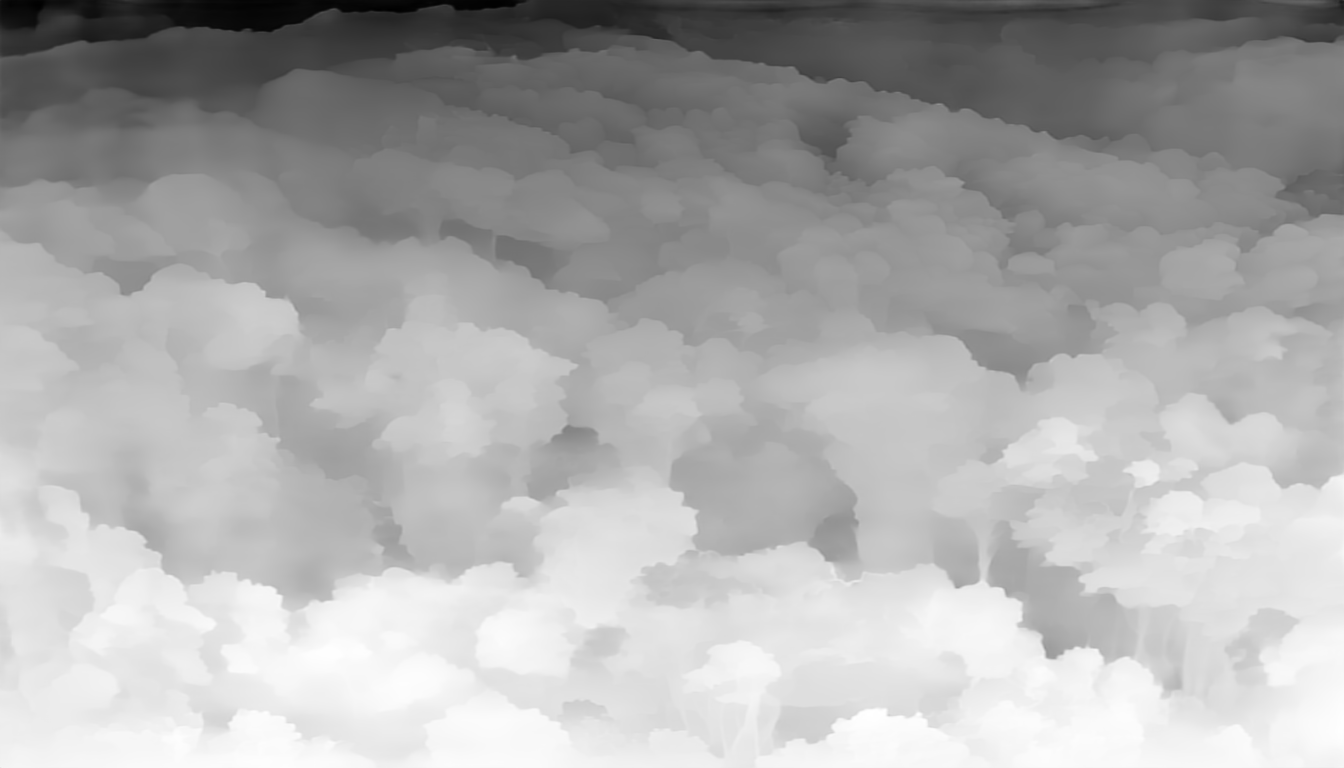
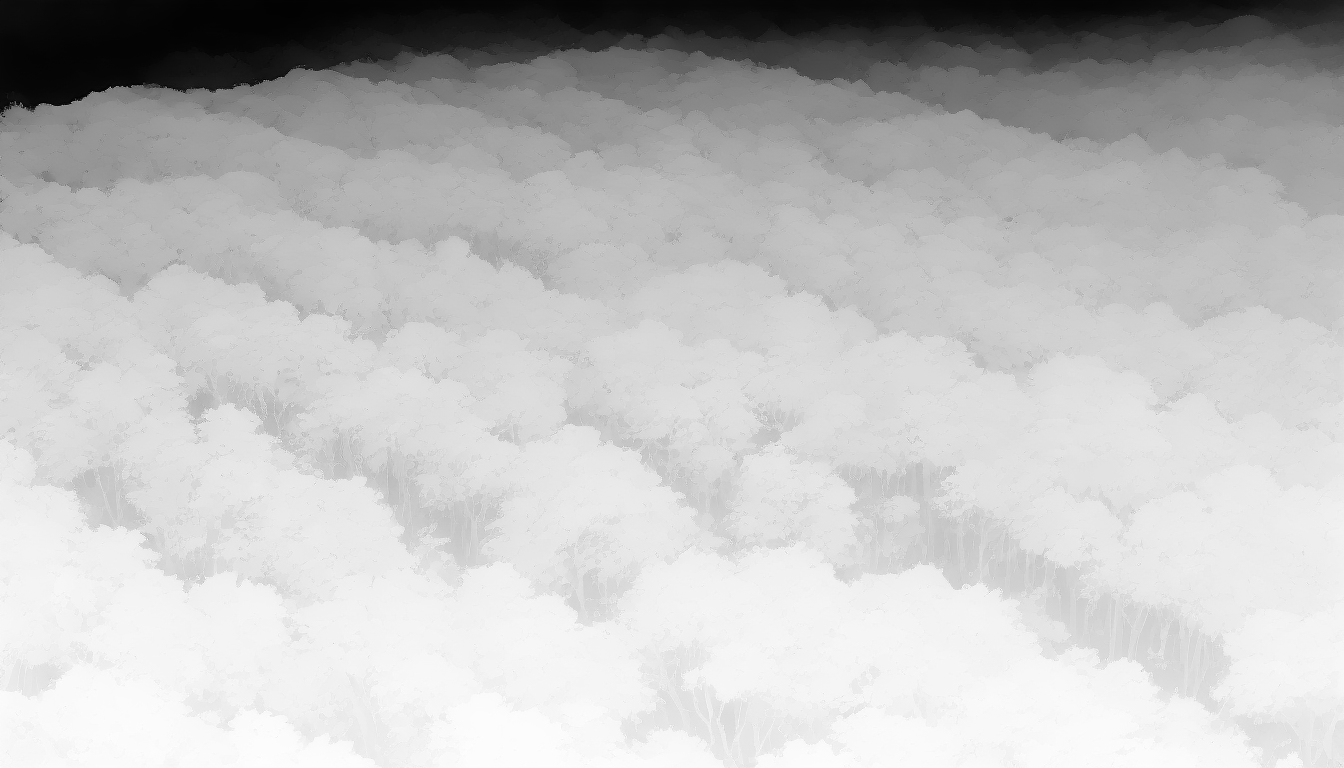
色々試してみた。
_forest_bg_depth_anythingv1.png
_forest_bg_depth_anythingv1_take2.png
_forest_bg_depth_anythingv2.png
_forest_bg_depth_anythingv2base.png
_forest_bg_depth_anythingv2small.png
_forest_bg_depth_anythingv2small_boost.png
_forest_bg_depth_lerespp.png
_forest_bg_depth_marigold.png
_forest_bg_depth_marigold_v1.png
_forest_bg_depth_midas.png
_forest_bg_depth_midasv30_dpthybrid384.png
_forest_bg_depth_midasv30_dptlarge384.png
_forest_bg_depth_res101.png
_forest_bg_depth_res101_boost.png
_forest_bg_depth_zoe.png
_forest_bg_depth_zoe_k_outdoor.png
_forest_bg_depth_zoe_k_outdoor_boost.png
_forest_bg_depth_zoe_nk.png
それぞれ、かなり違う結果になった。blender 3.6.31 LTS上でも使ってみたけど、やはり結構違う形状になった。
どれがいいのかは…正直よく分からない…。
色々試してみた。
_forest_bg_depth_anythingv1.png

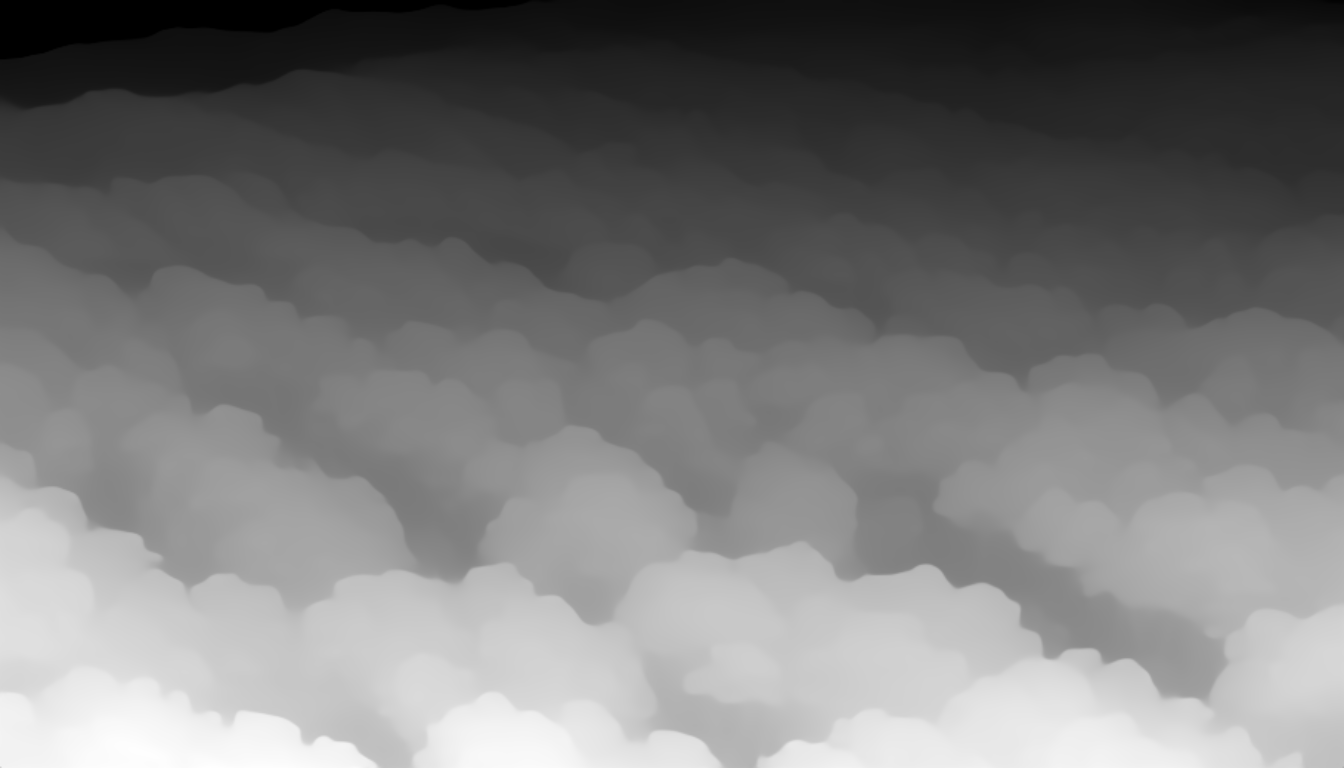
_forest_bg_depth_anythingv1_take2.png


_forest_bg_depth_anythingv2.png

_forest_bg_depth_anythingv2base.png


_forest_bg_depth_anythingv2small.png


_forest_bg_depth_anythingv2small_boost.png


_forest_bg_depth_lerespp.png

_forest_bg_depth_marigold.png

_forest_bg_depth_marigold_v1.png


_forest_bg_depth_midas.png


_forest_bg_depth_midasv30_dpthybrid384.png


_forest_bg_depth_midasv30_dptlarge384.png


_forest_bg_depth_res101.png


_forest_bg_depth_res101_boost.png


_forest_bg_depth_zoe.png


_forest_bg_depth_zoe_k_outdoor.png


_forest_bg_depth_zoe_k_outdoor_boost.png


_forest_bg_depth_zoe_nk.png


それぞれ、かなり違う結果になった。blender 3.6.31 LTS上でも使ってみたけど、やはり結構違う形状になった。
どれがいいのかは…正直よく分からない…。
[ ツッコむ ]
以上です。